Discord Notifications on Google Form Submission
1 min read Discord, Google Forms, Webhooks, Automation
Step #1
Get discord webhook. Intro to Webhooks will help you understand how to get a webhook for your channel in Discord.
Step #2
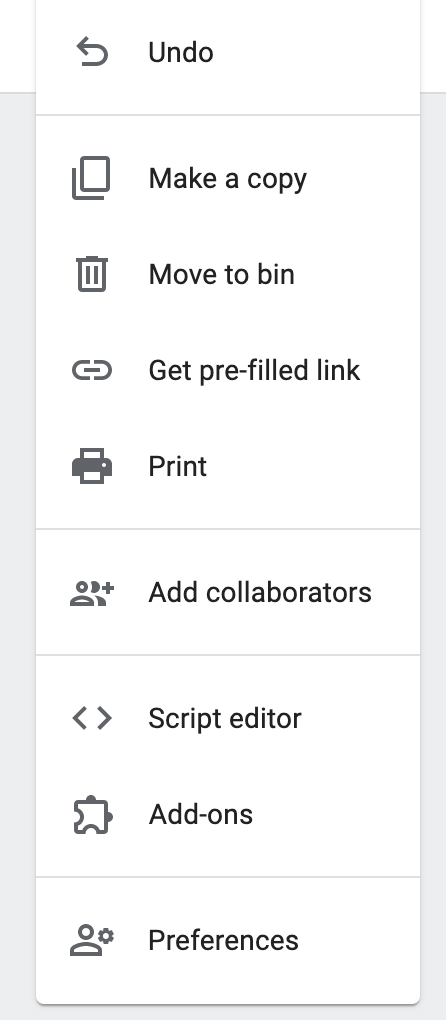
Go to the Google form with which you want to integrate Discord. Click on the 3 dot menu on the top right and then click on Script Editor
Step #3
Code…
var POST_URL = "YOUR_DISCORD_WEBHOOK_HERE";

  function onSubmit(e) {
  var discordPayload = {
    content: "New Form Submitted",
    embeds: [
      {
        type: "rich",
        title: "Form Entry",
        color: 307506,
        fields: []
      }
    ]
  };

  e.response.getItemResponses().forEach(function (i) {
    var v = i.getResponse() || "None";

    if (!Array.isArray(v))
      discordPayload.embeds[0].fields.push({
        name: i.getItem().getTitle(),
        value: v
      });
    else
      discordPayload.embeds[0].fields.push({
        name: i.getItem().getTitle(),
        value: v.toString()
      });
  });

  UrlFetchApp.fetch(POST_URL, {
    method: "post",
    payload: JSON.stringify(discordPayload),
    contentType: "application/json"
  });
}
Step #4
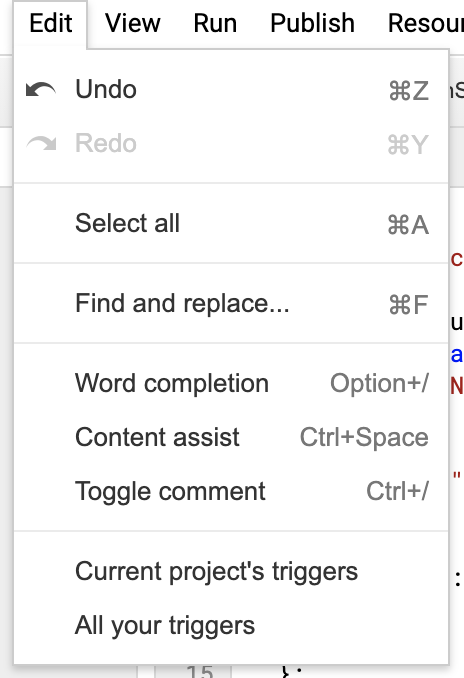
Click on Edit -> Current project’s triggers in Script Editor.
Step #5
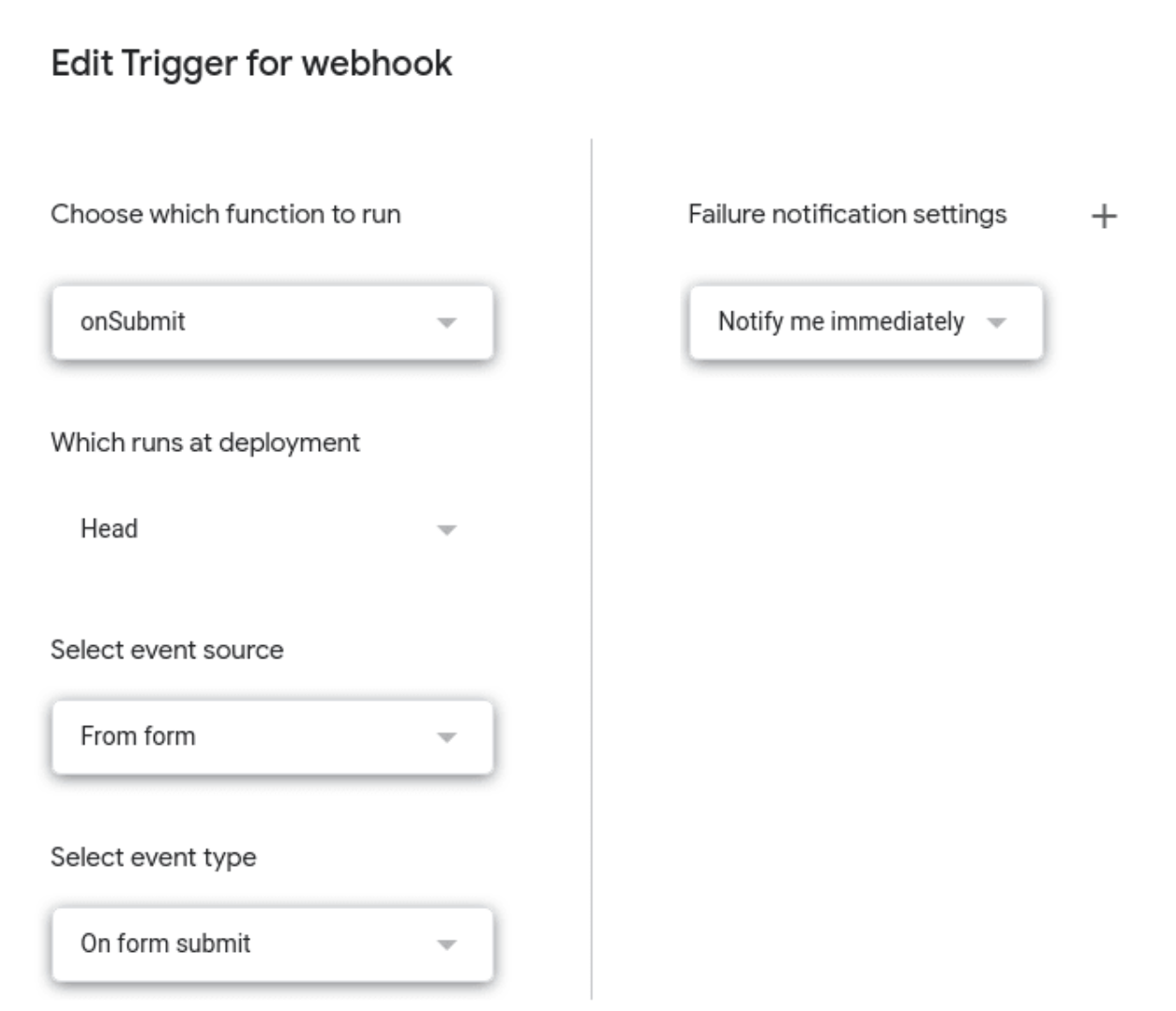
Create a new trigger for onSubmit event
Step #6
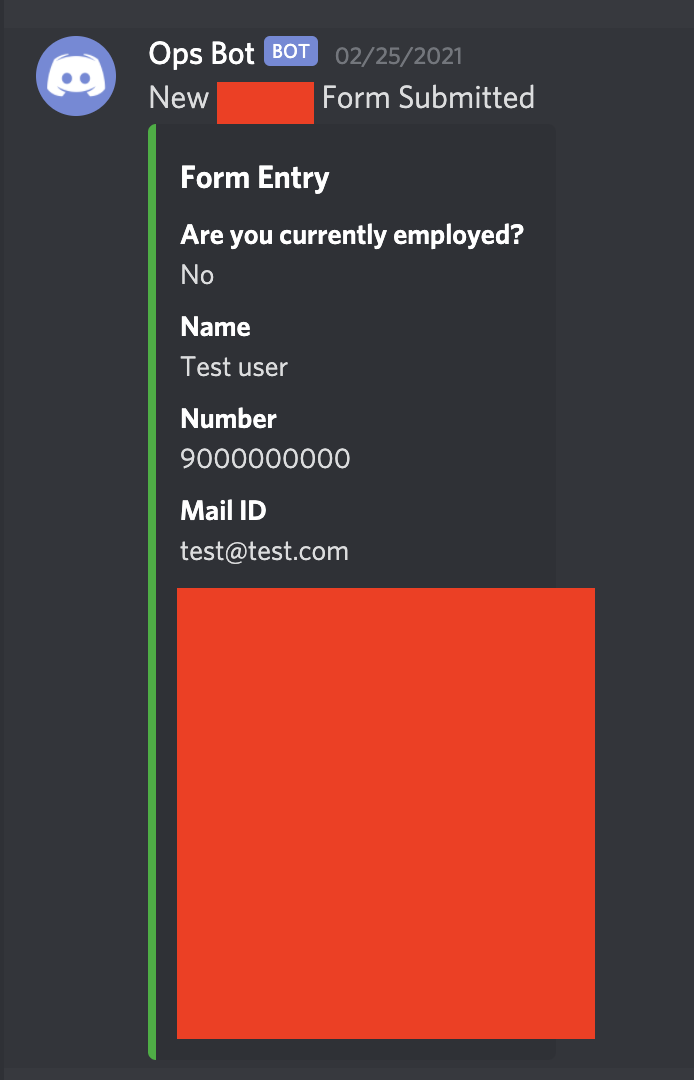
There is no step 6! Go ahead and submit the form and test it. you’ll see something like this in your Discord channel 👾 👾 👾